Guides
Nano Banana Pose Prompts: 30 Templates for Better AI Poses
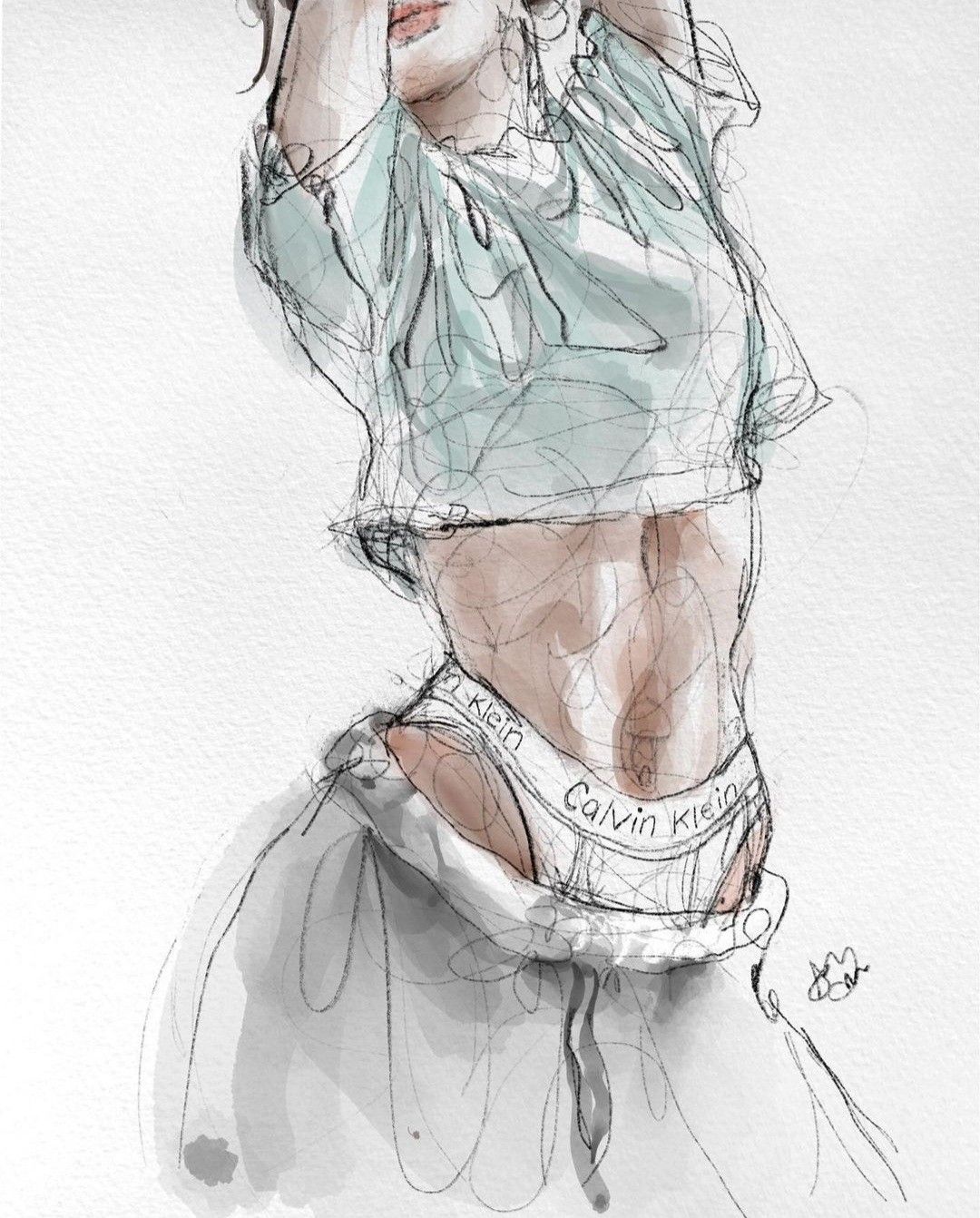
Table of Contents
- How to Use These Prompts
- Universal Pose Control Prompts
- 1. Clean Pose Transfer
- 2. Same Character, New Pose
- 3. Pose Without Background Copying
- 4. Editorial Studio Pose
- 5. Dynamic Motion Pose
- Fashion Pose Prompts
- 6. Lookbook Standing Pose
- 7. Runway Gesture
- 8. Outfit Detail Pose
- 9. Street Style Pose
- 10. Accessories Emphasis
- Portrait Pose Prompts
- 11. Shoulder and Gaze Control
- 12. Hands Near Face
- 13. Cinematic Close-Up
- 14. Professional Profile Pose
- 15. Creative Artist Portrait
- Character and Concept Prompts
- 16. Character Sheet Pose
- 17. Hero Pose
- 18. Action Game Pose
- 19. Anime-Inspired Pose
- 20. Mascot Pose
- Product and Commercial Scene Prompts
- 21. Hand-Held Product Pose
- 22. Lifestyle Product Interaction
- 23. E-Commerce Model Pose
- 24. Ad Concept Pose
- 25. Creator Thumbnail Pose
- Troubleshooting Prompts
- 26. Fix Identity Drift
- 27. Fix Hands
- 28. Fix Clothing Drift
- 29. Fix Camera Angle
- 30. Simplify the Pose
- Related Nano Banana Workflow Guides
How to Use These Prompts
These Nano Banana pose prompts are designed for image workflows where a pose reference controls body position while your prompt controls identity, outfit, camera, lighting, and final style.
Use this base instruction before any template:
Use the uploaded image only as a pose reference. Preserve the body position, gesture, balance, and camera relationship. Do not copy the original face, outfit, or background unless I explicitly ask for it.For the full workflow, start with Nano Banana pose references: a studio workflow guide. If the face or outfit changes between outputs, use the character consistency troubleshooting guide.
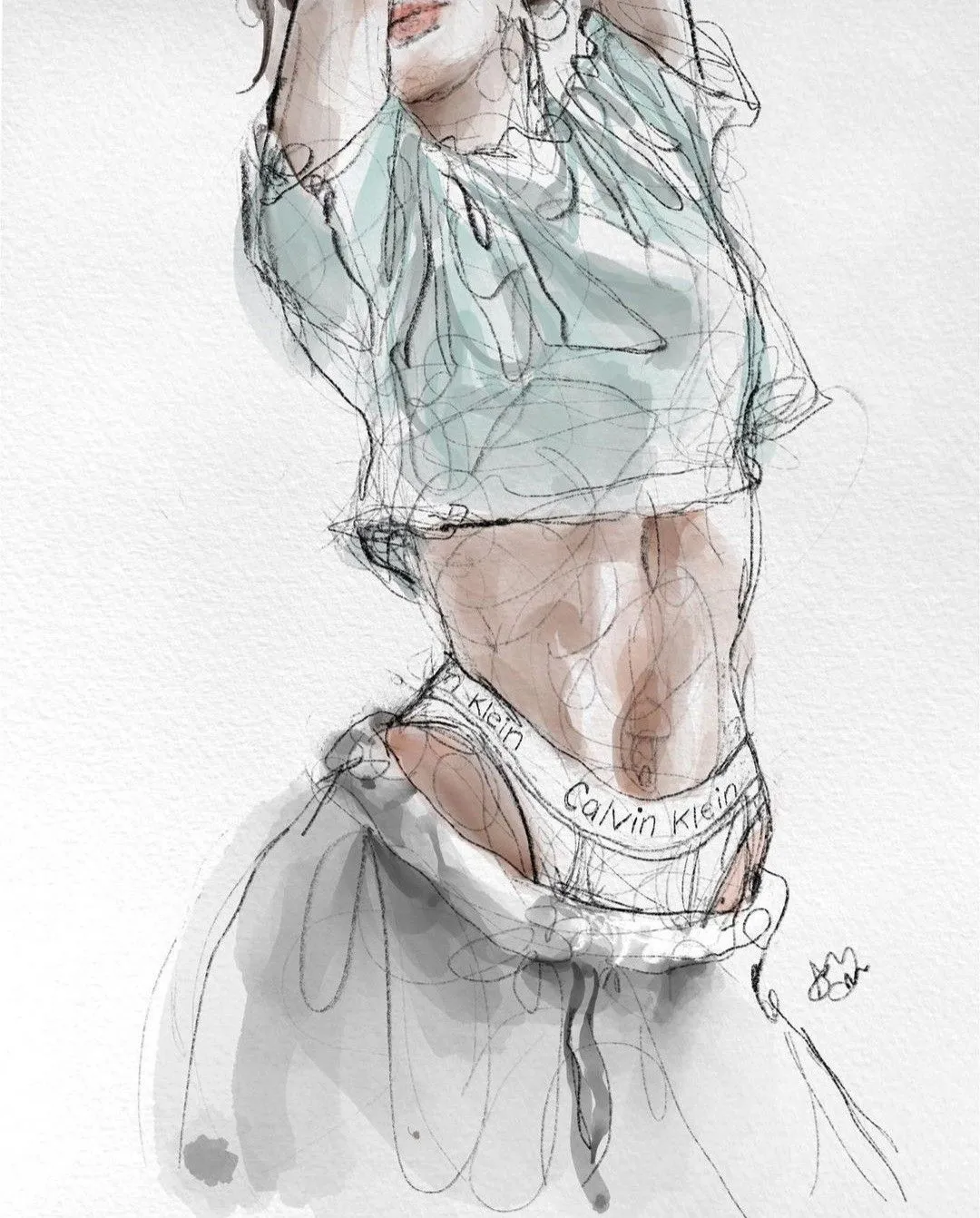
The most reliable prompt work starts from a visible pose: clear body line, readable hands, and enough space around the subject for the model to understand camera angle and balance.
Universal Pose Control Prompts
1. Clean Pose Transfer
Use the uploaded image only as a pose reference. Create a polished studio image of [subject]. Preserve the pose silhouette, limb direction, and body balance. Replace the original clothing and background with [outfit] and [setting]. Use natural anatomy, realistic hands, and clean lighting.2. Same Character, New Pose
Keep the character identity from [identity reference] consistent. Use the uploaded pose image only for body position and gesture. Maintain the same face, hair, age, proportions, and visual style. Change only the pose, camera framing, and scene.3. Pose Without Background Copying
Follow the body pose from the reference image, but ignore its background, colors, outfit, and facial features. Place [subject] in [new environment] with [lighting style]. Keep the pose natural and anatomically correct.4. Editorial Studio Pose
Use the pose reference to create an editorial studio portrait of [subject]. Preserve the shoulder angle, hip angle, hand placement, and gaze direction. Use a seamless studio backdrop, softbox lighting, and a premium fashion-magazine finish.5. Dynamic Motion Pose
Use the uploaded image as a dynamic motion-pose reference. Create [subject] in mid-action, preserving the body energy, weight shift, and direction of movement. Keep the anatomy believable, with sharp focus on the subject and subtle motion in the scene.Fashion Pose Prompts
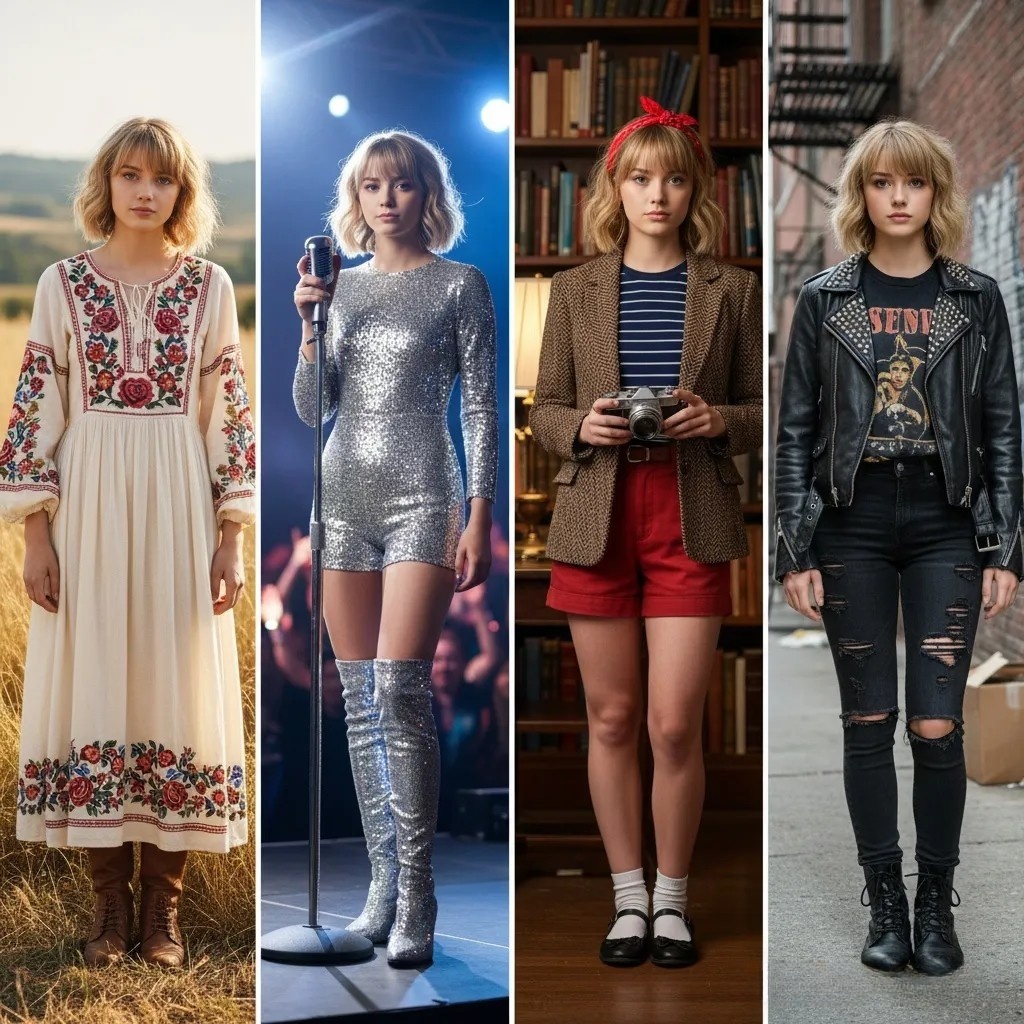
Fashion prompts need to protect outfit identity while letting the pose reference control silhouette, stance, and editorial body language.
6. Lookbook Standing Pose
Create a clean fashion lookbook image of [model] wearing [outfit]. Use the uploaded image only for the standing pose, weight distribution, and arm position. Use neutral studio lighting, full-body framing, and accurate clothing texture.7. Runway Gesture
Transform [model] into a runway-style fashion image. Follow the pose reference for stride, shoulder rotation, and hand gesture. Keep the outfit consistent, use dramatic runway lighting, and preserve a confident editorial expression.8. Outfit Detail Pose
Use the reference pose to show [outfit detail] clearly. Keep the subject in a natural fashion pose with visible fabric shape, clean hands, and flattering posture. Use a minimal background and high-end catalog lighting.9. Street Style Pose
Create a street-style fashion photo of [subject] in [city/location]. Use the uploaded image for pose and body angle only. Keep the outfit from [description/reference], natural daylight, candid framing, and realistic street photography texture.10. Accessories Emphasis
Use the pose reference to position [subject] so [accessory] is visible and prominent. Preserve natural body language, avoid awkward hands, and create a luxury editorial image with clean composition.Portrait Pose Prompts
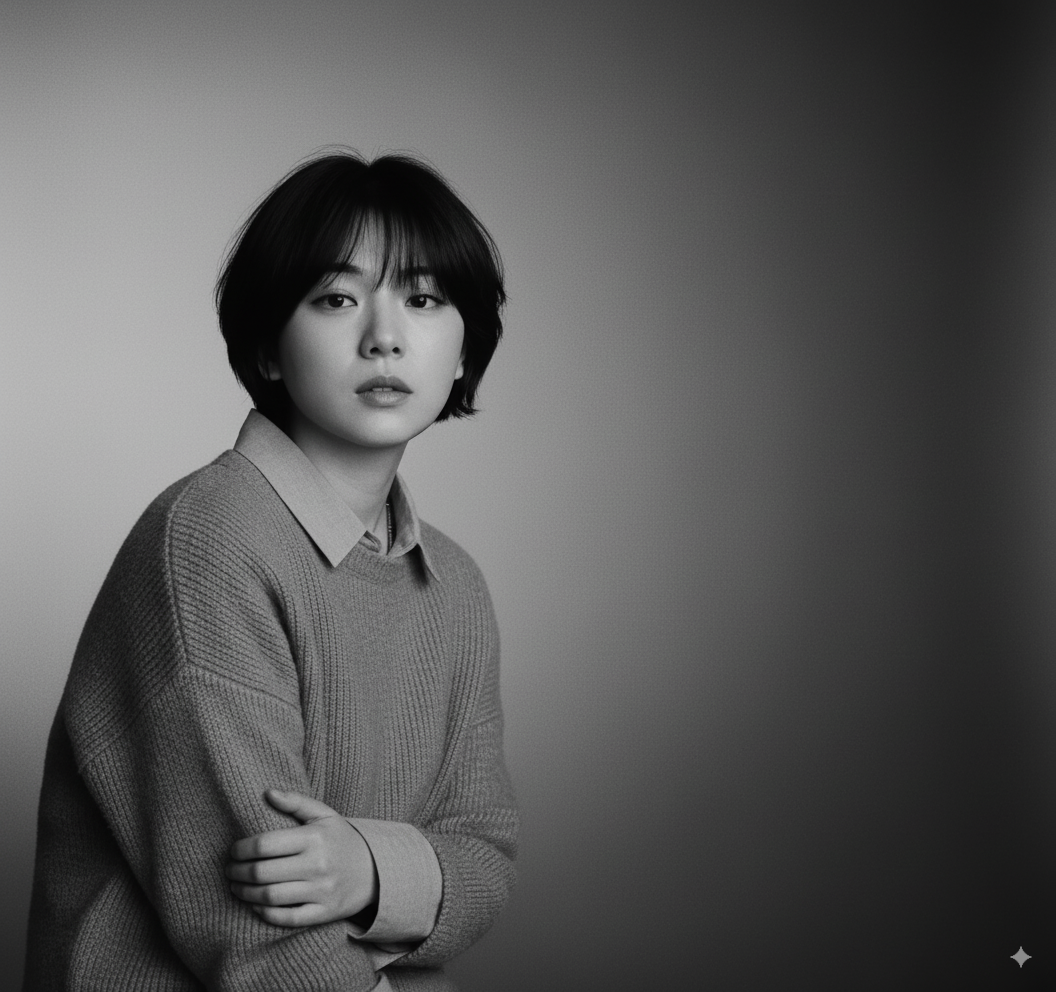
Portrait prompts are strongest when pose, face identity, and light direction are separated into clear instructions.
11. Shoulder and Gaze Control
Create a portrait of [subject]. Use the reference image for shoulder angle, head tilt, and gaze direction. Preserve identity, facial structure, and hair. Use [lighting style] and a [background] suitable for a professional portrait.12. Hands Near Face
Use the uploaded pose reference for the hand placement near the face. Keep hands elegant, natural, and correctly proportioned. Preserve [subject]'s identity and create a polished portrait with soft skin detail and controlled lighting.13. Cinematic Close-Up
Use the reference image for head angle and upper-body posture. Create a cinematic close-up portrait of [subject] with shallow depth of field, natural expression, and [mood] lighting. Do not copy the original person from the pose image.14. Professional Profile Pose
Create a professional profile photo of [subject]. Use the pose reference for body orientation and posture. Keep the expression calm, confident, and approachable. Use clean background separation and realistic studio lighting.15. Creative Artist Portrait
Use the reference pose to create an artist portrait of [subject]. Preserve the posture and gesture, then apply [art direction], [color palette], and [environment]. Keep the face consistent and the pose readable.Character and Concept Prompts
16. Character Sheet Pose
Use the uploaded image as the pose reference for a character sheet. Keep [character] consistent in costume, proportions, colors, and style. Create a clean full-body image on a simple background with readable silhouette.17. Hero Pose
Create a heroic full-body image of [character]. Follow the reference for stance, arm position, and body weight. Use dramatic rim lighting, strong silhouette, and a confident expression while preserving the character design.18. Action Game Pose
Use the pose reference for an action-game character pose. Preserve movement direction, weapon/prop placement, and body balance. Create [character] in [environment] with crisp details and cinematic action lighting.19. Anime-Inspired Pose
Use the uploaded image only for pose and gesture. Create [character] in a polished anime-inspired style with consistent costume, expressive face, and clean linework. Avoid copying the original person or background.20. Mascot Pose
Create a brand mascot image of [mascot]. Use the pose reference for gesture and attitude. Keep the mascot design consistent, friendly, and readable, with a simple background suitable for marketing use.Product and Commercial Scene Prompts
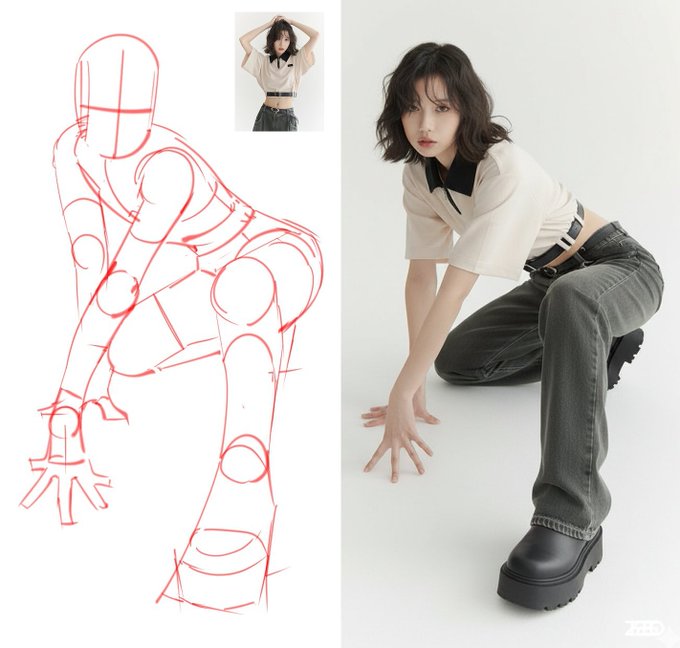
Commercial prompts should make the product or brand action explicit, then use the pose reference as a production constraint rather than a style source.
21. Hand-Held Product Pose
Use the reference image for hand and arm position only. Create a commercial image of [product] being held naturally by [subject]. Keep the product accurate, hands realistic, and background suitable for [brand mood].22. Lifestyle Product Interaction
Use the pose reference to guide how [subject] interacts with [product]. Preserve the body angle and gesture, but replace the scene with [environment]. Make the product clear, realistic, and visually central.23. E-Commerce Model Pose
Create an e-commerce product image with [model] using the pose from the reference. Keep full-body framing, neutral background, accurate product visibility, and natural posture. Avoid dramatic shadows or distracting props.24. Ad Concept Pose
Use the pose reference as the main body gesture for an ad concept featuring [product/brand]. Preserve the pose energy while creating a clean composition with space for headline text. Use [lighting] and [brand color direction].25. Creator Thumbnail Pose
Create a high-clarity creator thumbnail image of [subject]. Use the reference for pose and gesture, make the expression readable, keep strong contrast, and leave clean negative space for text.Troubleshooting Prompts
26. Fix Identity Drift
Regenerate while preserving the exact identity of [subject]. The uploaded pose reference should control only body position. Do not borrow the face, age, hair, clothing, or background from the pose reference.27. Fix Hands
Keep the same pose and composition, but correct the hands. Make fingers natural, wrists untwisted, hand size proportional, and contact points believable. Preserve the subject, outfit, lighting, and camera angle.28. Fix Clothing Drift
Keep the pose from the reference, but restore the exact outfit: [outfit description]. Do not copy clothing from the pose image. Preserve fabric shape, fit, colors, and visible details.29. Fix Camera Angle
Use the pose reference for body position, but set the camera to [front view / three-quarter view / low angle / eye level]. Keep perspective realistic and avoid twisting the body unnaturally.30. Simplify the Pose
Create a simpler version of the reference pose. Preserve the overall gesture and body direction, but reduce extreme limb angles, make the stance balanced, and keep the result realistic and easy to refine.Related Nano Banana Workflow Guides
- Nano Banana pose references: a studio workflow guide
- Keep characters consistent across new poses
- Compare AI pose reference workflows
- Nano Banana prompt guide
- NanoBanana portrait photography guide
- Nano Banana fashion stylist workflow
- Nano Banana as a Photoshop alternative
- Seedance 2.5 bullet time from Nano Banana product stills
Frequently Asked Questions
How should I prompt Nano Banana with a pose reference?
Tell the model that the uploaded image controls pose, gesture, balance, and camera relationship only. Then separately lock the subject identity, outfit, background, lighting, and output format.
Why does Nano Banana copy clothing from the pose image?
The pose reference contains wardrobe information as well as body position. State explicitly that clothing from the pose image must be ignored and describe or upload the exact outfit that should remain.
Can I use one prompt for multiple character poses?
Reuse the same identity and style constraints, but change the pose instruction or pose reference for each output. Generate every pose from the original identity anchor to avoid cumulative drift.